




Production Introduction
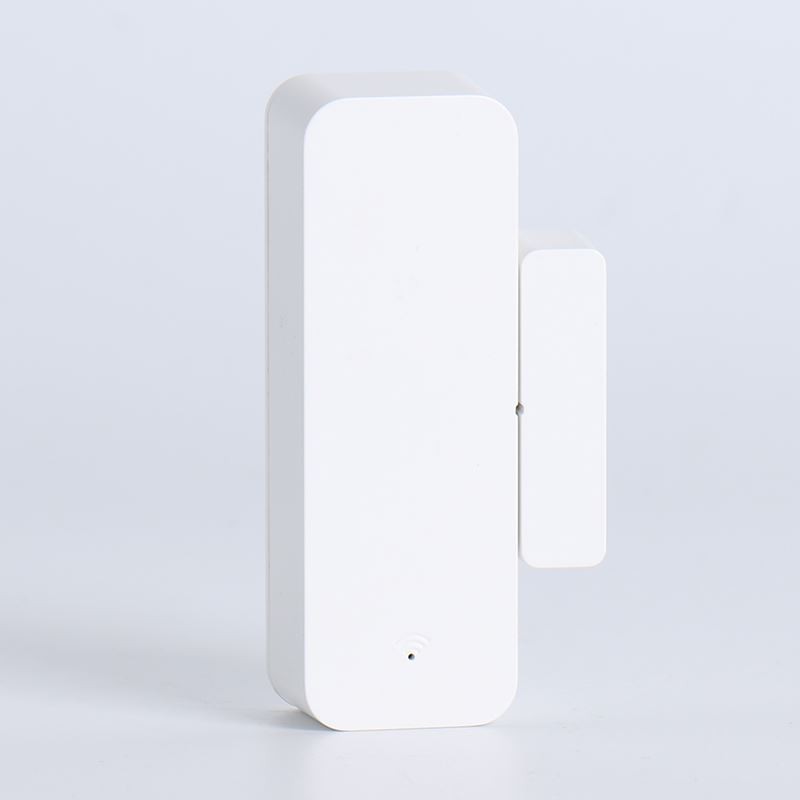
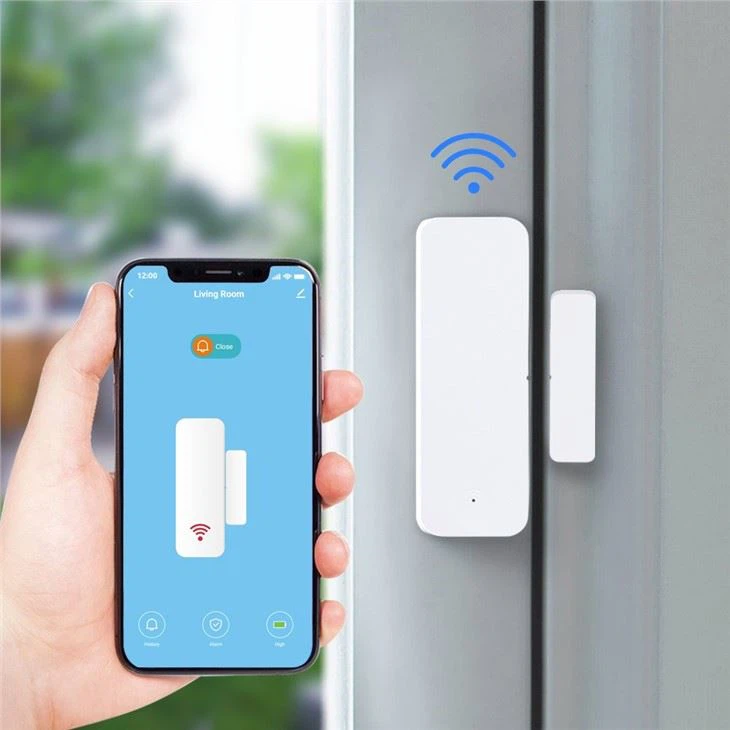
This product is an intelligent WIFI door window sensor, designed with ultra-low power consumption technology, composed of a main module and a permanent magnet, used to detect if doors, windows and drawers have been opened or moved illegally. If the main module and the permanent magnet change in position, the main module will send alert messages to the "Smart Life" app through wifi network, to achieve the function of security alarm. It is widely used in smart home, security protection and other fileds.
Functions

1.Work independently with WIFI network Push door 2.open/close notification to app Low battery alert and real-3.time power monitoring function
4.Using low-power MCU and communication module to achieve ultra-low power consumption Applicable to doors,
5.windows, drawers and other application scenarios that require movement detection
App Download

Please download the app by searching "Smart Life" in the application store or by scanning the QR code below.
IOS App: Please search " Smart Life" in Apple store to download .
Android App: Please search " Smart Life" in Google Play to download or scan the following QR code to download.
Note: IOS app has no QR code , have to download it in Apple store by searching“ Smart Life.
Notes:
1、Mainland China users can scan the Official Website Version and download it. 2、Non-Mainland China users just scan the Google Play Version . 3、Both the Official Website Version and the Google Play Version are the same app, just only the download channels are different.
Operation and pairing

1.Open the rear cover and load the battery before you switch on the device.
2.Wait 5s-10s,then long press SET key for 5s-8s to start pairing (indicator blinks).
3.Open "Smart Life" APP,click + on the upper right corner to add devices, select Sensors-Contact Sensor(Wi-Fi).
4.Connect the smartphone to WIFI(2.4G only), enter the wifi password and start pairing according to the instructions (make sure your smartphone, door sensor and router are within a range of no more than 2m between each other)
5.APP receives alarm notification when contact sensor is triggered.Enable the APP PUSH feature as per your smartphone settings which might vary by smartphone brands
Installation and attention

1、Install the sensor(A) and magnet(B) separately.A should be put on the frame of door / window, while B,on the door / window.
2、LED indicator on the sensor blinks 1s when it's triggered.
3、Test the device and indicator before installation.
4、Please align the triangle symbols on both A & B when you install
5、Distance between A & B should be no more than 2CM.
6、Please replace battery when the low power alert pops up in the APP.
7、Place of installation should be far from strong magnetic fields.
8、Installation methods:double-sided adhesive or screws.
Hot Tags: tuya wifi door sensor with app, China, manufacturers, suppliers, factory, wholesale, for sale, made in China, smart home power consumption, smart home furniture, Wifi window door sensor, smart home surveillance, smart home certification, smart home cost